

Android Install
Use the installation option shown for your device.

TBJILI Mobile
Use TBJILI from your phone for account access, games and promotions. If you use Android, open App Access and follow the installation option shown for your device. Already registered? Sign in with your existing TBJILI account.
TBJILI on Your Phone
Install when an Android option is available, return with your existing account, and keep games, promotions and account help close by.
Use the installation option shown for your device.

Sign in with the TBJILI account you already use.

Open App Access again when an older install stops working.

Browse mobile games and check offers from the same account.

Use Login or Contact when sign-in needs attention.

21+ only. Keep time and spending within your limits.
App Access
Use App Access to see the mobile option available for your device. Installation methods can change, so use what is shown when you open the access screen instead of keeping an old APK as a permanent download source.
If an Android APK is offered, read the prompts on your phone before installing. You should not need to send your password or one-time verification code to another person to install the app.
Open TBJILI App AccessIf the available mobile option looks different from an older screenshot or APK you saved, follow the version shown when you open App Access now.

Android Installation
 1Open App Access
Start from the TBJILI App access button.
 2Choose the Option Shown
Use the Android or mobile option displayed for your phone.
 3Follow Phone Prompts
Review the installation request before you continue.
 4Sign In
Use your existing account, or register if you are new.

Your TBJILI Account on Mobile
Changing devices does not mean you need another TBJILI account. Sign in with the details you already use, then open games and promotions from that account. If you forget your password, use the recovery option shown during Login rather than creating a duplicate account.
Use Login if you need password recovery or account help.
Available titles and providers can change in the live lobby.
Eligibility and wagering conditions can differ between offers.
If an older APK stops working, open App Access again before installing another file.
Mobile Help
Two common situations cover most app questions: installing or updating on Android, and returning with an account you already have.

If an APK option is shown, use that version rather than searching for the same filename elsewhere. Android may ask you to approve an installation permission; read the prompt on your device and continue only when you recognise the download you just opened.
If an older installation stops launching or updating, return to App Access and check the mobile option shown there. Avoid repeatedly reinstalling an old APK from chat history or an unrelated download page.
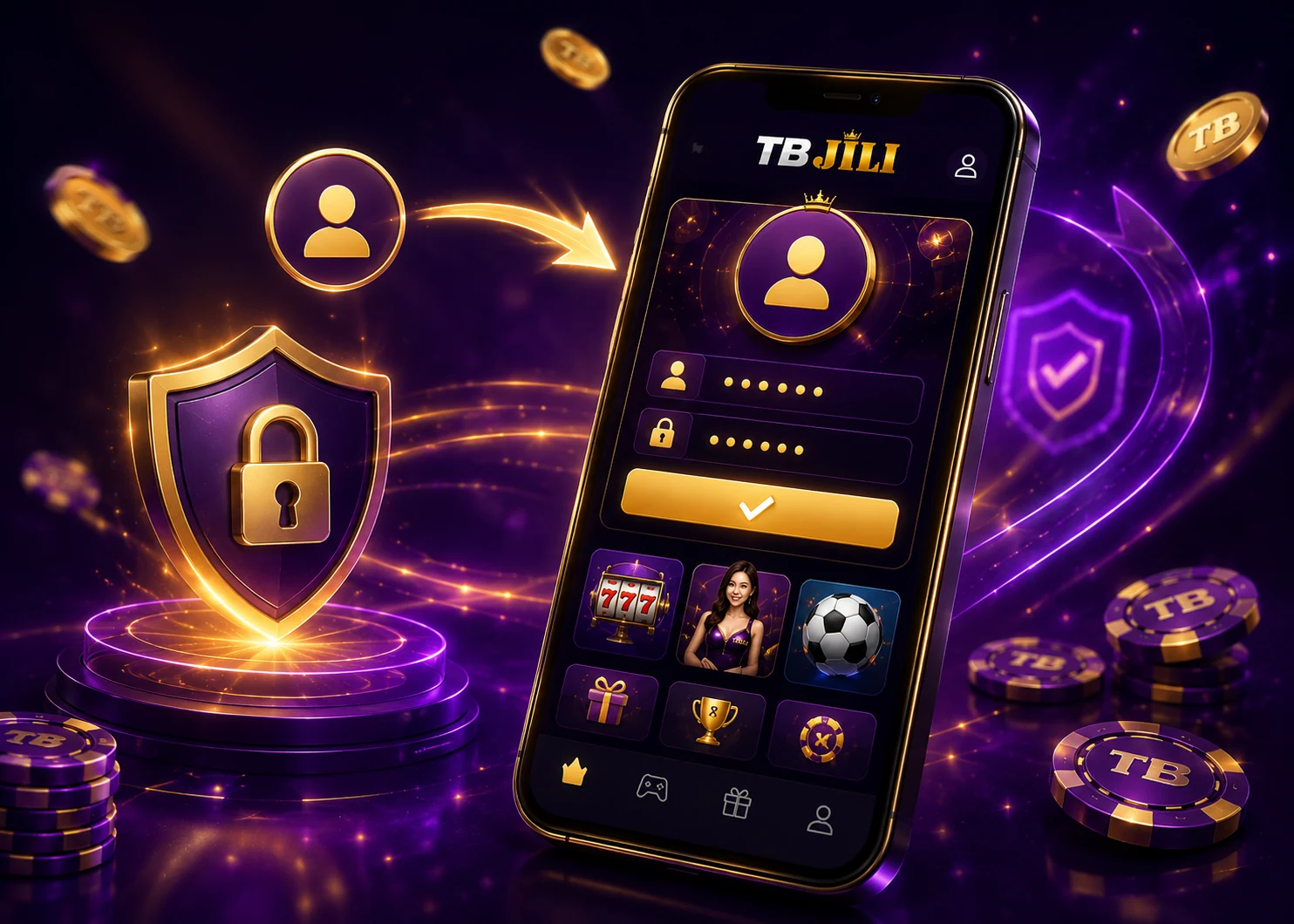
Use your existing account details on mobile. If the password is the problem, go to TBJILI Login and use the recovery option shown during sign-in instead of registering a second account.
If the app opens but a verification prompt, account status or login error still blocks access, use Contact. Describe what happened and the device you are using, but keep passwords and one-time codes private.
Frequently Asked Questions
Android installation, existing accounts, older APK files and mobile login help.
TBJILI on Mobile
Open App Access for the mobile option shown now, or go to Login if you already installed TBJILI and only need help getting back into your account.
 App AccessUse the option shown for your device
 Existing AccountSign in without registering again
 Account HelpLogin and Contact are close by
 Responsible Use21+ only. Play responsibly.