
TBJILI
Home Games Promotions App Official Access Contact
☰
HomeGamesPromotionsAppOfficial AccessContact
Register Login

Welcome Back

TBJILI Login

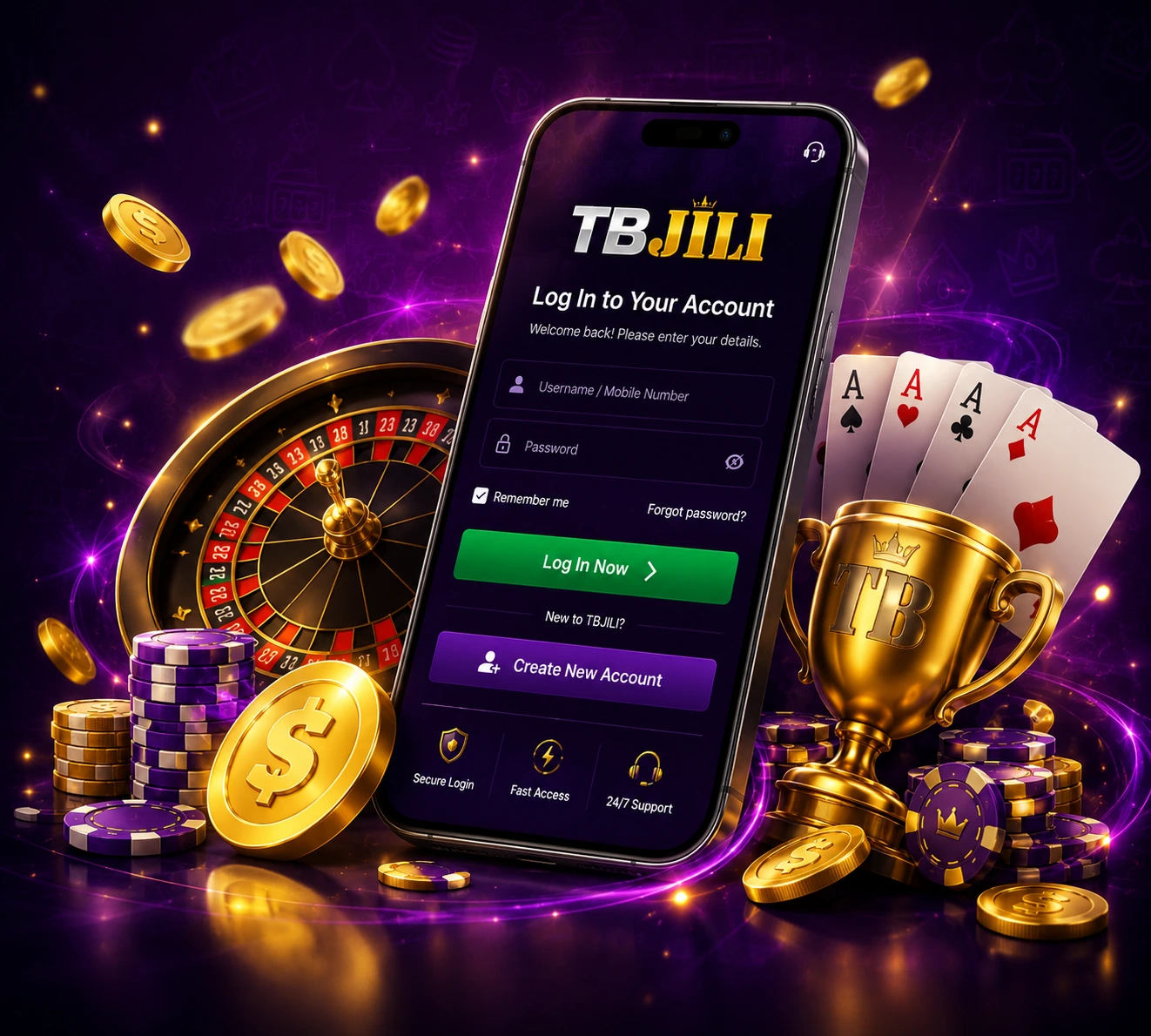
Already have a TBJILI account? Open the sign-in screen to return to your games, promotions and account settings. Keep your password and one-time codes private, and use Contact if you still cannot access the account.

  • ✓ Use the account details requested on the sign-in screen
  • ✓ Keep your password and verification codes private
  • ✓ Use Contact if sign-in or recovery still fails

Account Access

Sign In to TBJILI

Open the TBJILI account sign-in screen before entering any username, mobile number or password.

●Username / Mobile Number
▣Password◉

Use only the fields and verification steps shown on the sign-in screen that opens next.

Open TBJILI Login ›
New to TBJILI?
Create New Account

Account Sign-In

Return to your existing TBJILI account.

Password Recovery

Use recovery when you cannot remember your password.

Mobile Login

Sign in from the phone or device you use.

Games & Promotions

Check what is available after you enter your account.

Account Safety

Never share your password or one-time code.

Contact Help

Get help when login or verification still fails.

Login Help

Can't Log In?

Work through the most common causes before trying random links or creating a second account.

  • ✓
    Check your account identifier.

    Enter the username, mobile number or other identifier requested by the sign-in screen and check for typing mistakes.

  • ✓
    Re-enter your password carefully.

    Check the spelling, letter case and keyboard input before assuming the account itself has a problem.

  • ✓
    Use password recovery when needed.

    If you cannot remember the password, follow the recovery option shown on the TBJILI sign-in screen.

  • ✓
    Follow the verification prompt you see.

    If a one-time code is requested, use it only for that sign-in attempt and never send the code to another person.

  • ✓
    Use mobile guidance when the device is the issue.

    Open the TBJILI App page if you need the current mobile access or installation guidance.

Contact TBJILI

New Player

Don't Have an Account Yet?

Register first, then use Login whenever you return to your TBJILI account.

Register Now

Before You Sign In

Keep account access simple and private.

Use Login from tbjili.ph when you want to return to an existing account. If a saved address looks unfamiliar or no longer opens as expected, go back to the TBJILI website before entering account details.

Enter your password only on the sign-in screen. Do not send passwords, one-time verification codes or recovery details through chat, social messages or screenshots.

After you sign in, use your account for the current game lineup, promotions and account-specific information. What appears can change by account or over time.

Password & Verification

Recover access instead of guessing.

If you forget your password, use the recovery option shown on the account screen. Follow the steps there rather than creating another account simply because the old password is not working.

If the sign-in flow asks for a verification code, keep that code private and use it only for the current attempt. Do not forward it to anyone who contacts you through chat or social media.

If recovery, verification or account access still fails, use Contact. You can describe what happened and share a screenshot with passwords, codes and payment details hidden.

Frequently Asked Questions

TBJILI Login FAQ

Quick answers for sign-in, password recovery, mobile login and verification.

How do I log in to my TBJILI account?+
Select Open TBJILI Login, then enter the account details requested by the sign-in screen. If a saved link looks unfamiliar, return to tbjili.ph before entering your password.
What should I do if I forgot my TBJILI password?+
Use the password recovery option shown on the TBJILI sign-in screen. Follow the recovery steps there and never send your password or one-time verification code to another person.
Why is the TBJILI login screen not opening?+
Return to tbjili.ph and open Login again. On mobile, you can also use the App page for current mobile access guidance. Use Contact if the problem continues.
Can I log in to TBJILI on mobile?+
Yes. Open the App page for mobile access guidance, then sign in with the account details requested on your device. Keep your password and verification codes private.
What should I do if a verification code does not work?+
Follow the verification instructions shown for the current sign-in attempt and use the newest code requested by that screen. If the issue continues, use Contact without sharing the code itself.

Ready to return to your TBJILI account?

Open Login above, or use Contact if you still need help with account access.

Open LoginContact
TBJILI

TBJILI games, promotions, mobile access and account help for players in the Philippines.

21+ only. Play responsibly.

Explore

HomeAboutGamesPromotionsApp

Account

RegisterLoginOfficial AccessContact

Player Care

Responsible GamingTerms & ConditionsPrivacy Policy
© 2026 TBJILI. All rights reserved.Official brand site: tbjili.ph